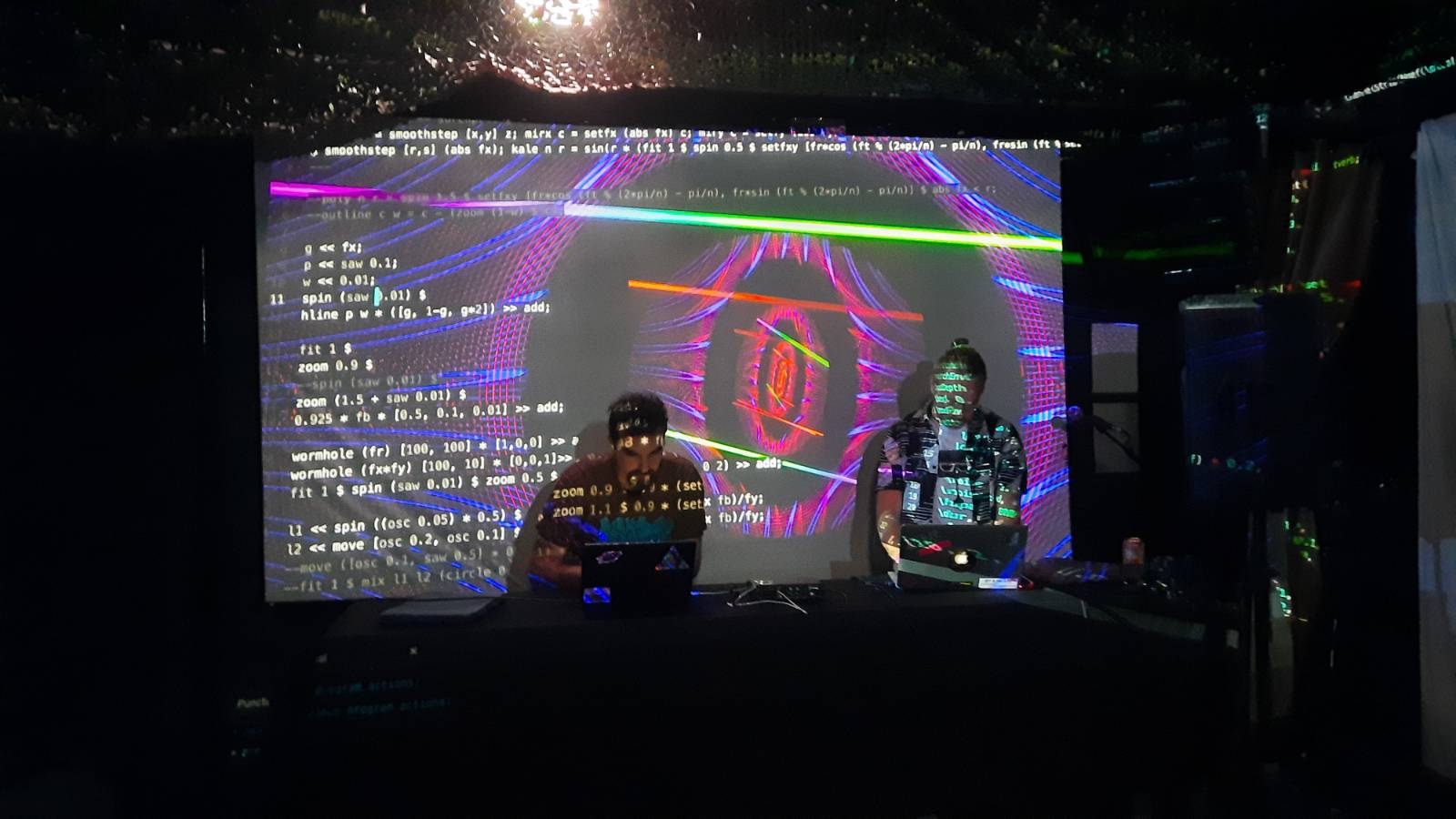
Livekoding af visuals i Punctual
00 Making Visuals
 __Outputs__
<- Colors, shapes and textures
<- Speed and patterns in time
__Inputs__
-> Your intuition
-> Data streams
01 Hello world
- Goto: https://dktr0.github.io/Punctual
- Type ONE line at a time from below and press: SHIFT + ENTER to run the code
-- Add a circle at position 0 and with size 1:
circle 0 1 >> add;

-- Make the circle fit to the aspect ratio of the screen:
fit 1 $ circle 0 1 >> add;

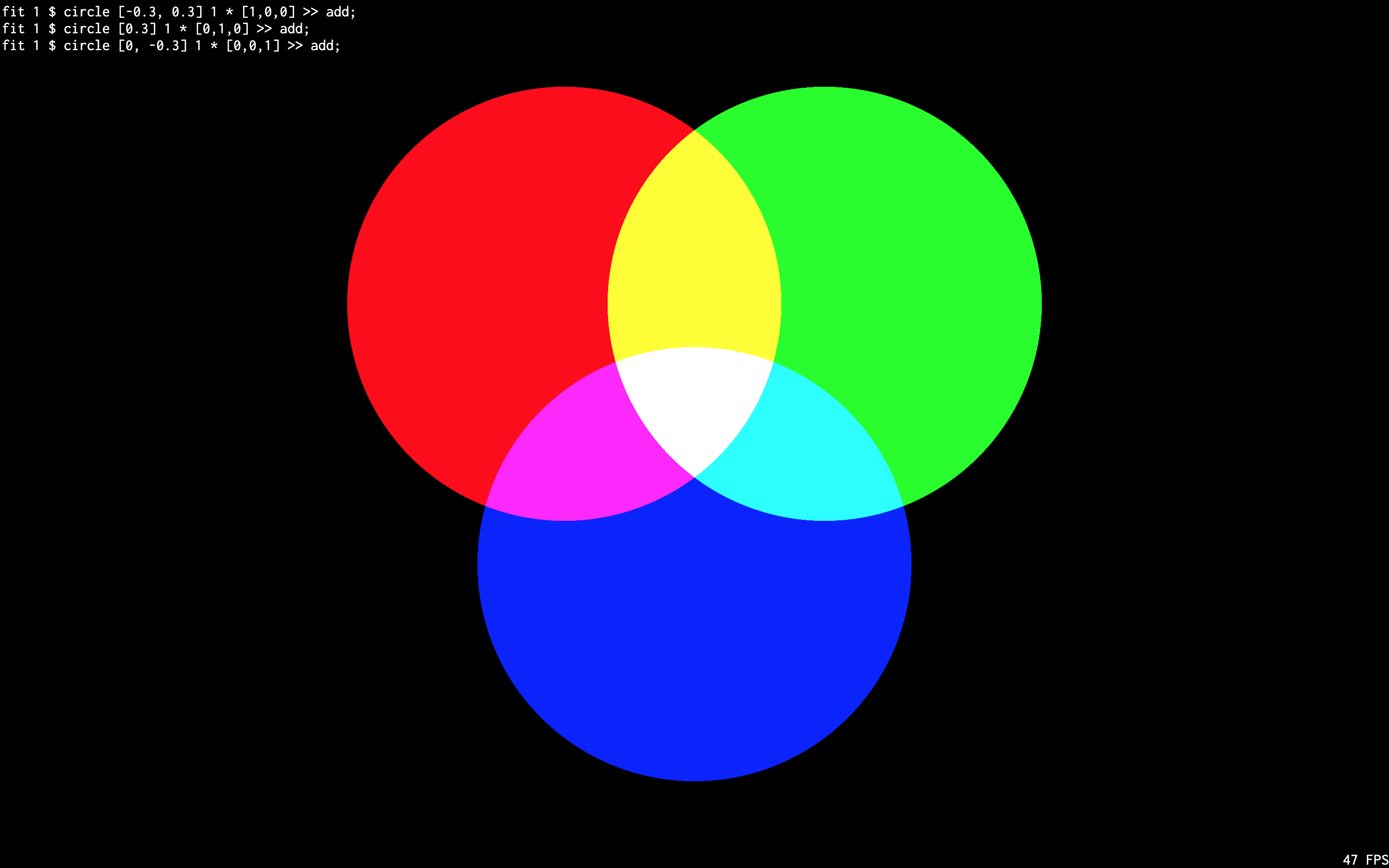
-- Change the color of the circle to red, green and blue:
fit 1 $ circle 0 1 * [1,0,0] >> add;
fit 1 $ circle 0 1 * [0,1,0] >> add;
fit 1 $ circle 0 1 * [0,0,1] >> add;

-- Change the circle to a rectangle:
fit 1 $ rect 0 1 >> add;

-- Spin the rectangle:
fit 1 $ spin 0.25 $ rect 0 1 >> add;

-- Animating the spin:
fit 1 $ spin (saw 0.25) $ rect 0 1 >> add;

-- Animate the size:
fit 1 $ rect 0 (osc 0.25) >> add;

-- Move stuff around:
fit 1 $ rect [osc 0.2, saw 0.1] 1 >> add;

-- Feedback:
fb * 0.9 >> add;
Excecise:
Make more shapes with diffiret colors that spins and moves around
02 Abstractions
- Goto: https://dktr0.github.io/Punctual
- Type ONE BLOCK OF CODE at a time from below and press: SHIFT + ENTER to run the code
-- Variables and lists:
pos << [osc 0.2, saw 0.1];
col << [osc 0.2, saw 0.1, tri 0.3];
rad << saw 0.5;

fit 1 $ rect pos rad * col >> add;

-- Adjusting the variables:
pos << [osc 0.2, saw 0.1] * 0.5; -- mulitply by a smaller or bigger number
col << abs [osc 0.2, saw 0.1, tri 0.3]; -- only get abosolute value, so no negatives
rad << 0.5 ~~ 1.5 $ osc 0.5; -- set min and max value

fit 1 $ circle pos rad * col >> add;

-- More More More:
more << [0.1, 0.2 .. 0.5]; -- list of more

fit 1 $ circle (pos*more) 0.1 >> add;

fb >> add; -- Feedback
03 Inputs
- Goto: https://dktr0.github.io/Punctual
- Type ONE BLOCK OF CODE at a time from below and press: SHIFT + ENTER to run the code
Visual sources
-- Webcam
cam >> add;
mono $ cam >> add; -- black/white
mono $ cam > 0.5 >> add; -- threshold using > (greater than) or < (less than)

cam % 0.5 >> add; -- trippy
zoom 0.99 $ fb * 0.9 >> add; -- spacy

-- Images and video (need to be online)
img "https://a.cdn-hotels.com/gdcs/production67/d1685/7c7a65d5-9792-4168-9464-a64870154c9e.jpg" >> add;
vid "https://upload.wikimedia.org/wikipedia/commons/5/53/007_Volcano_eruption_of_Litli-Hr%C3%BAtur_in_Iceland_in_2023_Video_by_Giles_Laurent.webm" >> add;

-- Masking
mask << fit 1 $ circle 0 1.5;
cam * mask >> add;
Sound sources
-- Fast Fourier transform
ifft >> add;
hline ifft 0.01 >> add;
hline 0 ifft >> add;

setfx [fr, spin (saw 0.1) $ ft] $ ifft >> add;
fb * 0.9 >> add;

-- Highs, mids, lows
hline [ihi, imid, ilo] 0.01 >> add;
hline 0 [ihi, imid, ilo] >> add;

zoom ([ihi, imid, ilo] + 1) $
fit 1 $ rect 0 1 - rect 0 0.99 >> add; -- make outline by substracting a smaller shape from a bigger one
++ Where to go from here (links)